Click to download now, finish the installation quickly, and directly unlock the all-round experience
Screenshots
Click to download now, finish the installation quickly, and directly unlock the all-round experience
ClickUp: Tasks, Chat, Docs, AI is suited to teams that want project work, internal communication, documentation, and AI assistance in one workspace. It was selected because it connects the planning and information sides of work instead of treating tasks, messages, and documents as separate activities. That makes it worth considering for people managing several projects or replacing a collection of separate productivity tools. The selection still depends on whether your team can handle a feature-rich workspace without finding it distracting.
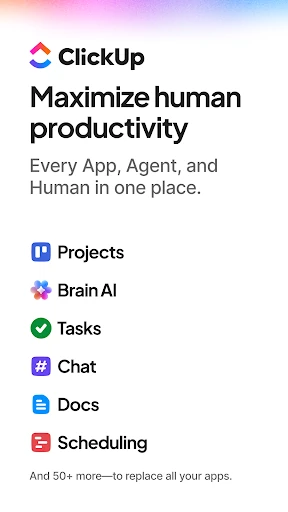
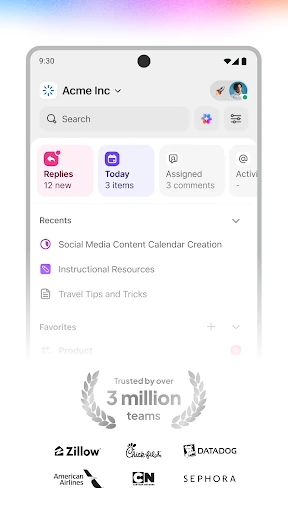
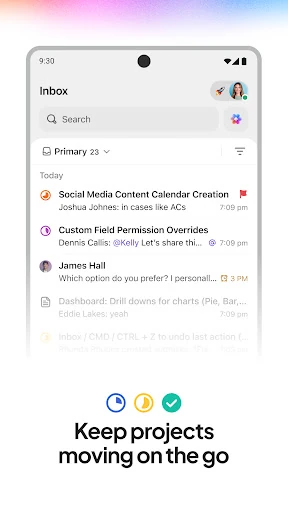
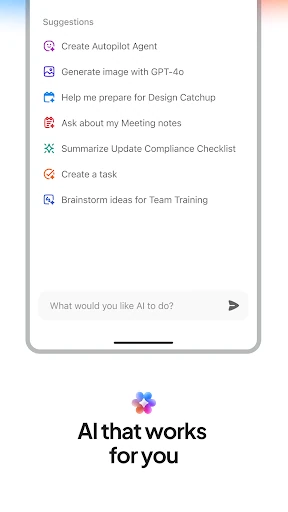
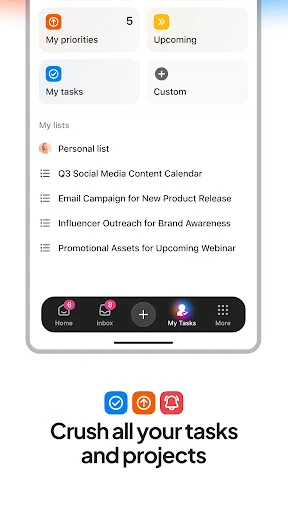
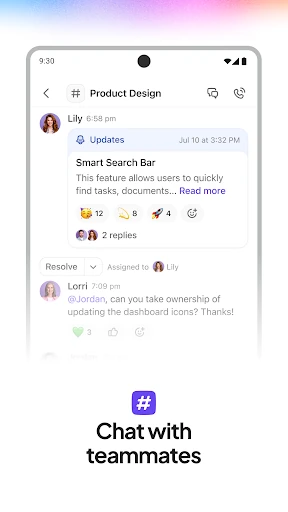
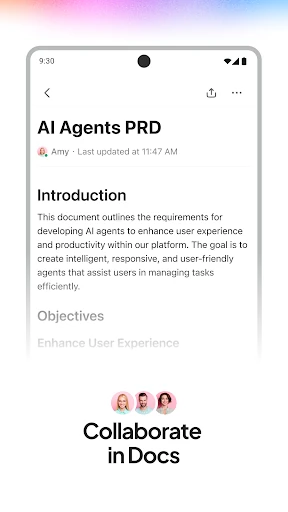
The app lets users create and organise tasks, discuss work through chat, and write documents or shared reference material. Documents can be connected with tasks, helping teams keep instructions and project activity together. Different ways to view work, including sprint-style planning, Gantt charts, and whiteboards, support different project methods. Its AI tools can assist with tasks such as summarising meetings, drafting content, and working with information from a project.
ClickUp is a practical fit for software, marketing, sales, and other teams that need detailed project coordination. It can also suit individuals who prefer extensive control over how work is arranged. The broad feature set is less appealing if you only need a simple checklist or a lightweight notes app. On Android, the challenge is fitting a desktop-style collection of tools onto a smaller screen, so new users may need time to learn where everything belongs.
ClickUp is listed in Productivity and is developed by ClickUp. It has a 3.9 rating from 19,981 reviews and 1,000,000+ installs. Those figures show substantial use, while the rating suggests that the app’s flexibility does not suit everyone equally. Choose it for the connected workspace and range of project views, not merely because it includes many features.