
Bazaart AI Photo Editor Design
Bazaart Ltd.
Downloads
5,000,000+
Version
Latest
Click to download now, finish the installation quickly, and directly unlock the all-round experience
Screenshots
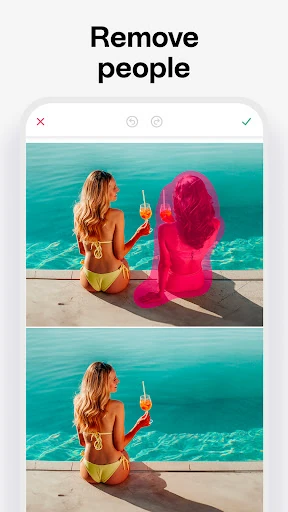
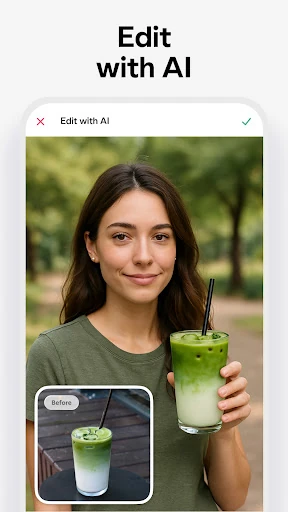
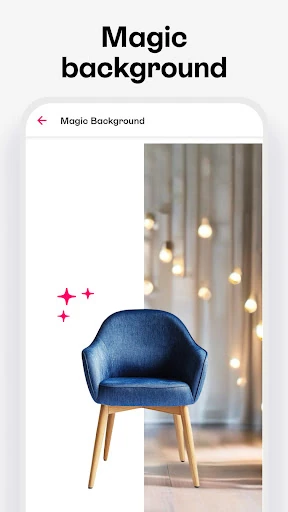
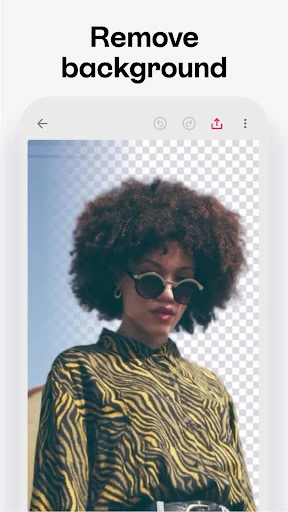
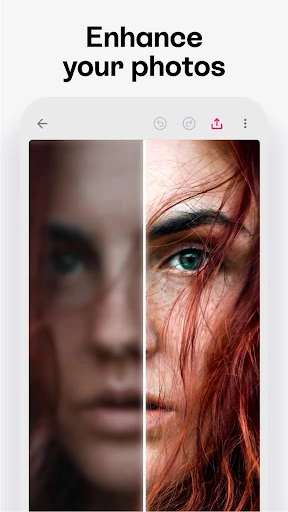
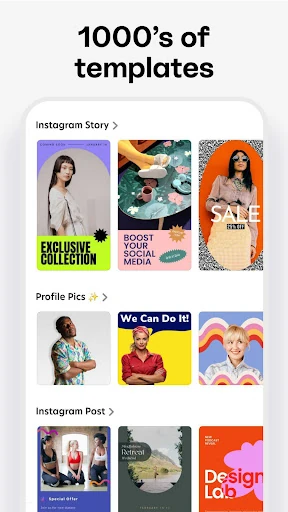
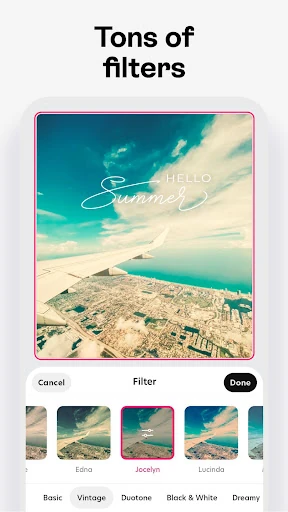
Click to download now, finish the installation quickly, and directly unlock the all-round experience
Bazaart AI Photo Editor Design is a mobile photo-editing and graphic-design app for people who need to combine images, text, backgrounds, and visual effects in one workspace. It suits social media creators, small businesses, online sellers, and casual users who want more control than a basic filter app provides. The app is published by Bazaart Ltd. and listed in the Art & Design category.
The reason to choose Bazaart is its combination of quick AI-assisted changes and hands-on editing. Background removal, object changes, background replacement, and image enhancement can reduce repetitive work, while manual controls and layered compositions leave room for more deliberate design. That makes the app relevant to users who may start with a simple cutout but want to build a complete graphic around it.
Bazaart has a 4.7366166 rating from 67,567 reviews and more than 5,000,000 installs. Those figures show substantial adoption, but they do not decide whether it is right for you. The useful question is whether you need both automated edits and a layered design workspace. If you mainly want one-tap filters, its broader toolset may be unnecessary; if you create composites, promotional graphics, or product visuals on Android, the feature mix gives the selection a clear basis.